
Nothing kills confidence in a home security setup faster than pulling up the feed and seeing a washed out, sun bleached mess instead of a clear driveway. A poorly protected security camera screen turns expensive hardware into a guessing game. Especially during sunrise, sunset or those brutal midday glare hours.
Here’s the good part: glare isn’t a permanent shortcoming you must accept. A few simple changes, beginning with the right window screen for security camera setups, can turn dim, reflective footage into something actually workable.
Why Glare Happens on a Security Camera Screen
Glare happens when direct sunlight or artificial light bounces straight into the lens, overwhelming the sensor before it can balance the exposure. The result is a bright streak, a washed out frame or footage so blown out that faces and license plates disappear entirely.
Windows make this worse because glass reflects light at random angles throughout the day. A camera that looks entirely clear at 10 a.m. might turn into a blinding glare-fest by 4 p.m. once the sun repositions.
Why a Window Screen for Security Camera Setups Actually Helps
A window screen for security camera to prevent glare works by muting and redirecting bright light before it strikes the lens. Rather than blocking the view outright, an effective screen disperses reflections while still enabling the camera to capture sharp, usable footage.
This matters most for cameras mounted behind glass, porches, sunrooms or indoor units aimed outward through a window. Without a diffusing layer, that glass essentially becomes a mirror every time the sun lines up wrong.
Choosing the Right Screen Material
Not every screen material performs the same way once light hits it. Mesh density, tint level and coating type all change how much glare actually gets filtered out.
- Anti-glare mesh screens cut reflection without darkening the overall image too much
- Tinted films reduce brightness but can slightly affect night vision performance
- Polarized screen layers work well for cameras facing east or west, where sunrise and sunset cause the worst flare
- Removable magnetic screens let you swap materials seasonally as sun angles shift
- Matte-finish screens scatter light instead of bouncing it directly into the lens
Comparing Screen Materials Side by Side
Picking a screen shouldn’t be a guessing game once you know how each material actually performs. The comparison below lines up the most common options by light transmission, glare reduction and how much they affect footage after dark.
| Screen Material | Light Transmission | Glare Reduction | Night Vision Impact |
| Anti-glare mesh | High, around 85-90% | Moderate | Minimal |
| Polarized film | Medium, around 70-75% | Strong | Slight dimming |
| Light tint | Medium, around 65-70% | Moderate to strong | Noticeable |
| Matte diffuser | High, around 80-85% | Moderate | Minimal |
| Heavy tint | Low, around 40-50% | Very strong | Significant, not recommended |
For most homes, anti-glare mesh or a matte diffuser strikes the right balance, reducing daytime glare without ruining clarity once night falls.
Indoor Versus Outdoor Glare Problems
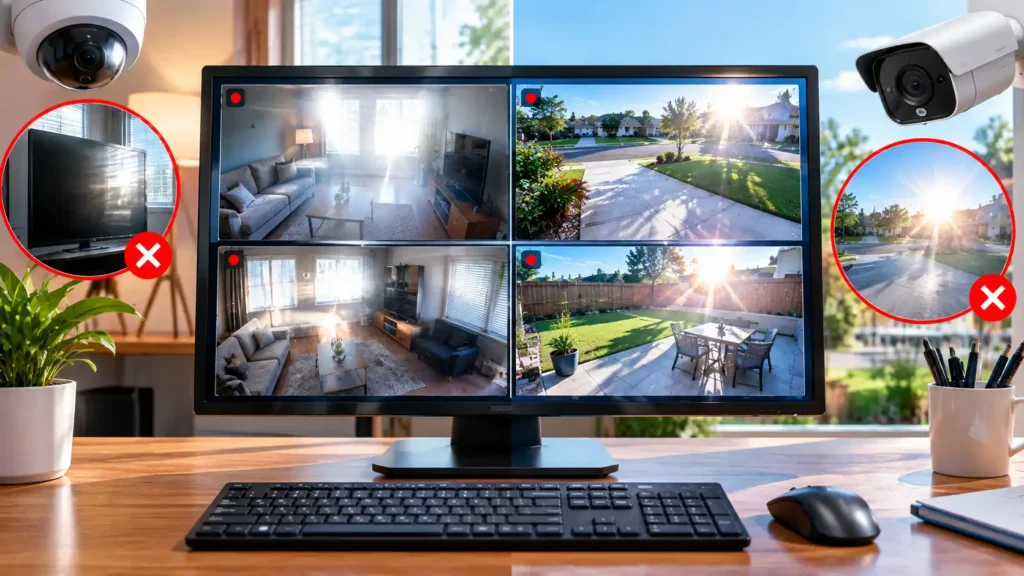
Indoor cameras battle glass reflections, while outdoor units deal with raw, unfiltered sunlight hitting the lens directly, a concern that also matters when choosing an RV security camera. Both problems look similar on screen but the fixes aren’t identical and mixing up the solution wastes time.
The table below breaks down where glare tends to originate and which fix tends to work best for each situation.
| Camera Setup | Common Glare Source | Best Fix |
| Indoor, facing a window | Glass reflection and interior lighting | Anti-glare window screen or diffusing film |
| Outdoor, direct sun exposure | Sunrise or sunset angle hitting the lens | Adjustable hood or shade visor |
| Porch or covered area | Bounced light off pavement or walls | Repositioned angle plus matte screen |
| Nighttime infrared glare | Reflective surfaces near the lens | Reduced IR intensity and screen coating |
Best Practices for Mounting Around Glass
Placement solves more glare problems than most people expect. Angling the camera even five to ten degrees away from a window’s direct sun path can eliminate reflections that a screen alone can’t fully fix.
Skip mounting the camera directly onto the glass whenever you’re able to. Leaving a narrow gap between the lens and the window lessens the mirror-like reflection caused by the camera sitting tight against a flat surface.
Screen Maintenance That Keeps Footage Sharp
A screen’s performance depends entirely on its upkeep, since dust, pollen or water residue silently diminish clarity over time. Wash outdoor screens every few weeks and more frequently during pollen season or right after storms, to preserve the diffusing layer’s effectiveness.
Indoor screens call for less regular maintenance, yet they still build up dust that disperses light irregularly. Wiping it down with a microfiber cloth once a month keeps the security camera screen operating like new.
Matching Screen Choice to Camera Type
Different security cameras respond differently to added screen layers. So the right choice depends on what’s already mounted and the features you need for reliable home monitoring. A wide-angle security camera loses less clarity from a diffusing screen than a narrow, zoomed-in unit that depends on pinpoint sharpness.
Night vision cameras deserve extra caution here, especially when you need to recover important camera footage after recording. Some tinted or reflective screen materials interfere with infrared performance after dark. So it’s worth testing footage at night before committing to a permanent installation. For additional guidance on protecting connected cameras and keeping their footage secure, follow these home security camera security recommendations from the FTC.
Sun Angle by Camera Direction and Season
Glare isn’t accidental, it tracks the sun’s trajectory and that trajectory changes noticeably with the seasons. Knowing which direction your camera points helps you anticipate exactly when glare will strike hardest and when a screen becomes most essential.
| Camera Direction | Worst Glare Season | Peak Glare Time | Screen Priority |
| East-facing | Fall and winter | Early morning, sunrise | High |
| West-facing | Spring and summer | Late afternoon, sunset | High |
| South-facing | Winter | Midday | Medium |
| North-facing | Rare, mostly reflected light | Varies, usually mild | Low |
East and west-facing cameras deal with the sharpest, most direct glare since they catch the sun low on the horizon. If your setup falls into either category, that’s exactly where a diffusing screen earns its keep the most.
Common Mistakes That Make Glare Worse
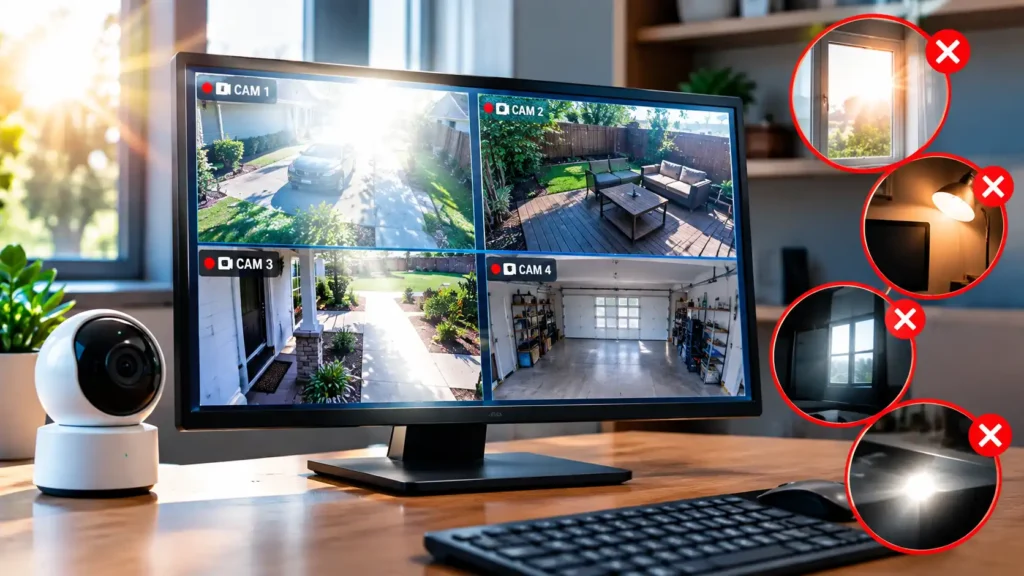
Plenty of well intentioned fixes actually backfire once tested against real sunlight. Over-tinting a screen, for example, can trade daytime glare for unusable night footage, which defeats the entire purpose of a security setup.
Yet another recurring mistake is mounting the camera too near reflective surfaces. Such as glass tabletops or metal railings in the vicinity. Even with a solid screen fitted, surrounding reflections can still creep into the shot from an unexpected angle.
Wrapping Up
A clear picture shouldn’t depend on the time of day or the angle of the sun and that’s exactly why solving glare matters so much. Whether the answer is a diffusing screen, a slight mounting adjustment, or just moving away from direct glass reflection, a properly shielded security camera screen turns unpredictable footage into something you can truly depend on when it counts.
FAQs
Which screen is best for CCTV?
Anti-glare mesh or a matte diffuser screen works best for most CCTV setups. Since both cut glare without dulling night vision. Polarized screens suit east or west-facing cameras dealing with strong sunrise or sunset glare. While heavy tints should be avoided since they hurt low-light footage.
Which camera is best for home security in the US?
Arlo Ultra 3 or Ultra 4 tends to top most 2026 lists for overall performance, offering 4K HDR video, color night vision and a wide 180-degree field of view with strong smart home integration. Google Nest Cam is a close runner-up for its person detection and flexible battery placement. While Wyze Cam remains the top budget pick with solid 1080p video at a much lower price. The right choice really depends on whether you want a full monitored system (SimpliSafe, ADT) or a standalone DIY camera.
What is the price of a CCTV camera display?
Specialized CCTV monitors, screens designed specifically for surveillance viewing, usually cost more than an ordinary consumer TV due to nonstop operation and long-term durability needs. In the US, small starter monitors (13 to 15 inches) generally begin around $150 to $400, while mid-range 19 to 22 inch monitors built for security desks fall roughly between $400 and $600. Larger or touchscreen versions with several input ports can go beyond $700. Especially from brands designed specifically for round the clock security use.
Does CCTV need a special monitor?
Not strictly, most CCTV systems work fine with a regular TV or computer monitor connected via HDMI or VGA. A dedicated CCTV monitor helps for continuous 24/7 viewing since it’s built to avoid burn-in and handle nonstop operation, which regular displays aren’t always designed for.