
Every creator eventually hits the same wall as a brilliant idea stuck in their head with no easy way to get it onto a screen. That gap between imagination and image used to require years of design training. Today it takes a text box and a few seconds of patience.
Choosing the best ai image generator in 2026 isn’t about picking the flashiest name you’ve heard on social media. It’s about matching a tool to a job — photorealistic portraits, crisp marketing graphics, clean text inside a poster or fast concept art for a pitch deck. The market has matured fast and the differences between tools now show up in the details rather than in whether they work at all.
Why This Decision Actually Matters
Picking the wrong generator wastes more than a subscription fee. It costs hours of reprompting, awkward edits and images that almost work. But never quite fit the brief. Marketers, freelancers and small business owners feel this pain most sharply because their time has a real dollar value attached.
A well matched tool shortens that loop dramatically. Instead of fighting the software, you spend your energy refining the idea itself. That shift, from wrestling with a tool to actually creating. Is the real payoff of choosing correctly the first time.
Why Some Tools Win and Others Fade
Not every image generator is built for the same purpose and the gap between “good enough” and genuinely excellent shows up in a handful of measurable areas.
The Traits Worth Testing Before You Commit
A quick evaluation checklist saves you from buyer’s remorse
- Realism and anatomy – Does it render hands, faces and lighting convincingly or do details fall apart under scrutiny?
- Text rendering – Can it place readable, correctly spelled words inside an image, useful for posters, packaging and social graphics?
- Editing precision – Can you tweak one element (a color, an object and a pose) without regenerating the whole scene?
- Speed and cost per image – Is the pricing sustainable for the volume you actually need?
- Commercial usage rights – Are you legally clear to use outputs in client work or paid campaigns?
- Learning curve – Does it work with plain-language prompts or does it demand technical prompt engineering?
Running a tool through even three or four of these filters, using one consistent test prompt, tells you more than any marketing page ever will.
The Current Leaders Worth Knowing
The field has grown far beyond a two-tool rivalry. Several platforms now specialize in different strengths and the smartest approach is knowing which one to reach for depending on the task in front of you.
Conversational, chat-based generators have become remarkably good at AI image editing, describing a change in plain English and watching the image update while keeping everything else intact. That workflow suits people who think out loud rather than write formal prompts.
Meanwhile, tools built around painterly, stylized output remain the go to choice for anyone chasing an artistic, gallery worthy look rather than a literal photograph. And a newer wave of specialized platforms has focused almost entirely on solving the text-in-image problem, which used to be the weak point of nearly every generator on the market.
A Quick Snapshot Comparison
| Tool Category | Best For | Editing Style | Typical Learning Curve |
| Conversational assistants | Iterative edits, quick concepts | Chat-based instructions | Low |
| Artistic-style generators | Stylized, painterly visuals | Prompt-driven regeneration | Medium |
| Design-suite integrated tools | Commercial and brand-safe assets | Layer-based editing | Medium |
| Text-focused generators | Posters, packaging, infographics | Structured text placement | Low to medium |
How Pricing Actually Breaks Down
Cost is where a lot of buyers get surprised. Some platforms charge a flat monthly fee with generous generation caps. While others meter every single image, which can quietly balloon a bill for high volume users.
| Pricing Model | Typical Range | Best Suited For |
| Free tier with limited generations | $0/month | Casual, occasional use |
| Flat monthly subscription | $10–$30/month | Freelancers, small teams |
| Pay-per-image / credit-based | Fractions of a cent to ~$0.50/image | High-volume production |
| Enterprise or bundled design suite | $30–$120+/month | Agencies, brand teams |
The lesson here is simple: estimate your actual monthly image volume before comparing sticker prices. A cheap credit system can quietly cost more than a flat plan once you’re generating dozens of images a week.
Free vs Paid: What Actually Changes
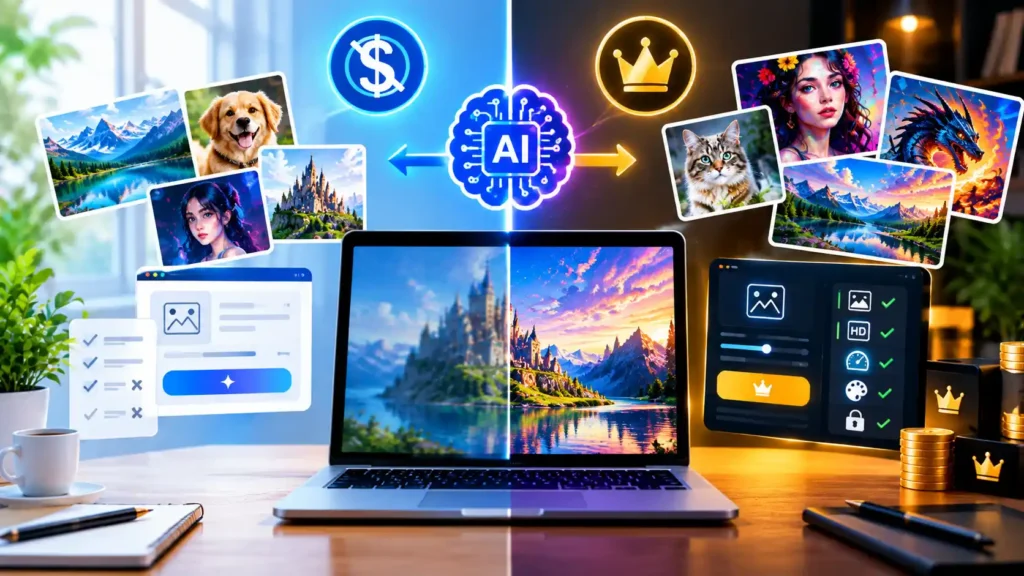
Free tiers are great for testing whether a tool’s style fits your taste, but they almost always come with trade-offs: watermarks, lower resolution caps, slower queue times during peak hours or a hard monthly generation limit.
Upgrading typically unlocks higher resolution exports, priority processing and — critically — commercial usage rights. If you’re making anything for a client, a storefront or paid ad, treat that license upgrade as a requirement rather than a nice-to-have.
Matching the Tool to the Task
Rather than searching for one universal winner, it helps to think in terms of jobs, including specialized tools such as an AI bass guitar image generator. A social media manager posting daily needs speed and low friction more than pixel perfect realism. A product photographer replacing a studio shoot needs lighting accuracy and skin tone fidelity above almost everything else. A small business owner designing a flyer needs reliable, legible text far more than artistic flair.
This is exactly why so many “best ai image generator” round ups feel unsatisfying. They crown a single champion when the honest answer depends entirely on what you’re making and how often you’re making it.
Best Free AI Image Generators Worth Trying
Not everyone needs a paid plan right away and several platforms now offer a genuinely usable free tier before you spend a dollar. If you’re searching for the best free ai image generator, look for one that gives you enough daily generations to actually test quality not just a handful of throwaway credits.
Most free tiers add a watermark, cap resolution or limit commercial use. So treat them as a testing ground rather than a permanent production tool. Once you find a best ai image generator free option that fits your style, it’s usually a natural next step to upgrade for higher resolution and unrestricted licensing when the work turns commercial.
Best AI for Image Generation: How the Field Compares
Ask ten different creators which is the best ai for image generation and you’ll likely get ten different answers because the honest response depends on the output you need. Some platforms lead on photorealism, others on stylized art and a growing number focus almost entirely on speed and volume.
If you’re simply hunting for the single best image generating ai on the market today, the safest strategy is still a head to head test as run the same prompt through two or three finalists and compare the results side by side rather than trusting any one ranking in isolation.
What Actually Improves Your Generated Images
Even the strongest model underperforms with a weak prompt. A few habits consistently improve output quality across almost every platform
- Describe lighting and mood, not only the subject “soft morning light” beats “nice light”.
- Specify camera style language for realism (“shot on a 50mm lens shallow depth of field”).
- Repeat in small steps rather than rewriting the whole prompt each time.
- Save prompts that worked well then small tweaks to a proven prompt outperform starting from scratch.
- Always checking the commercial licensing terms before using an image in paid or client work.
What Trips Up First-Time Users
Many new users judge a tool after a single bad generation. When the real issue is usually prompt clarity rather than the model itself. Others chase the “best” tool on a leaderboard without checking whether it even supports their use case like transparent backgrounds or specific aspect ratios.
Another frequent slip-up as ignoring resolution and file format needs until after an image is already finalized, which often means starting the whole process over. Confirming your output requirements before you generate saves a frustrating do-over later.
Where This Technology Is Headed Next
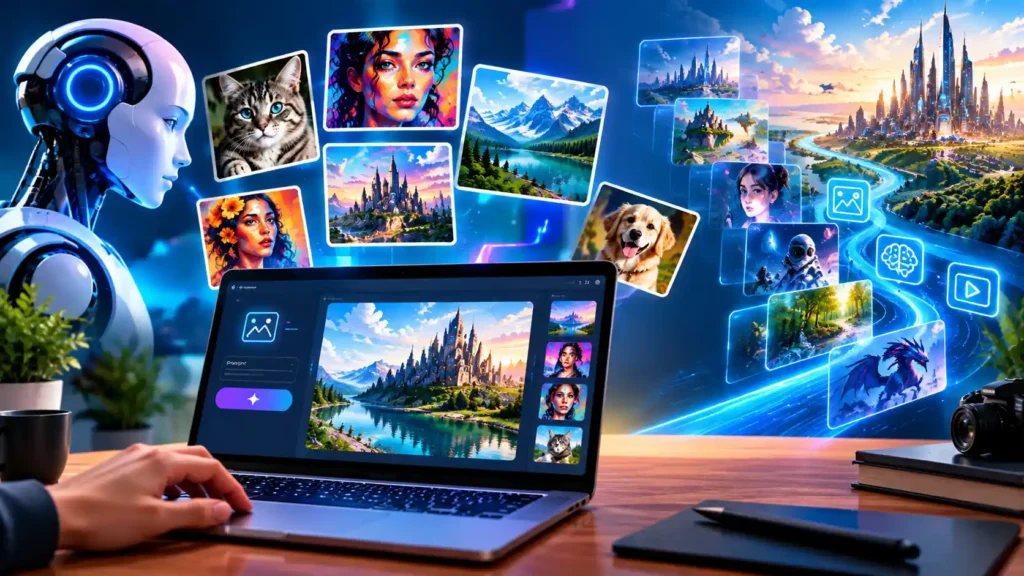
Image models are getting noticeably better at following multi-step instructions in one pass — placing specific objects in specific spots, matching a reference style and keeping faces consistent across several generations of the same character.
Expect that trend to keep accelerating as fewer regenerations to get a usable result, tighter integration with editing tools and better handling of small details like hands, text and reflections. The tools that feel slightly rough today will likely feel dated within a year. So revisiting your choice periodically is worth the effort.
Final Thoughts
There is no single and permanent answer to which platform deserves the crown. Because the technology keeps shifting month to month. What stays constant is the approach: define the job first, test a couple of contenders against that specific need and let real output — not brand reputation — make the final call. Treat the search for the best ai image generator as an ongoing evaluation rather than a one time decision and you’ll consistently land on the right tool for whatever you’re building next.
FAQs
What is the best free AI image generator?
Most top tier tools offer a free tier with limits rather than being fully free. Look for one with no watermark and a decent daily generation cap — that combination gives you real usable output without paying, though resolution and commercial rights are usually locked behind a paid plan.
What is the best AI image generator app?
The strongest mobile apps focus on speed and simplicity — a text box, a generate button and quick style presets. Chat-based apps tend to work best on phones since typing a short prompt and refining it conversationally is easier than fine-tuning settings on a small screen.
What AI image generator does Reddit recommend most?
Reddit discussions tend to favor whichever tool currently balances realism, price and ease of use — communities value firsthand testing over marketing claims. Threads shift often as new models launch. So check recent posts rather than older ones for the current consensus.
What is the best AI image generator for realistic photos?
The best choice for realism is whichever model currently handles skin texture, lighting and anatomy (especially hands and eyes) most convincingly — this changes as models update. Testing the same portrait prompt across two or three tools is the fastest way to confirm which one wins for your specific style.