
Ever stared at a blank screen while a deadline crept closer? You’re not alone. If you’re asking what is Claude Design, here’s the quick version as it’s Anthropic’s visual workspace. Where you describe an idea in plain words and Claude turns it into a prototype, a slide deck or a polished one pager.
Anthropic Labs introduced it on April 17, 2026 and it has altered how many teams turn a raw concept into something they can actually share. This guide breaks down how it operates, who it helps, what it costs and where it still lags.
The Short Answer
Claude Design is a dedicated design canvas at claude.ai/design. You chat with Claude on one side and your draft appears on the other. From there, you refine it with comments, direct text edits and adjustment sliders. For the official product overview, features and launch details, read Anthropic’s official Claude Design announcement before exploring the workspace yourself.
Most people who type what is Claude Design into a search bar want three things: what it makes, what it costs and what it can’t do. You’ll find all three below, along with a few lessons that save time.
How the Workspace Works
The screen splits into two panes. Your conversation sits on the left and a live canvas fills the right. You type a request Claude draws a first version and you steer from there.
Here’s a detail worth knowing. When a prompt feels vague, Claude often stops and asks a few questions before it draws anything. It may check your audience, your tone or how people should move through the page. Those questions feel like friction at first but they spare you a round of rework.
The loop stays simple. Start a project, describe the goal, review the draft and refine it then export or share. Most good results take two or three passes not one.
Setting Up Your Design System
A design system is Claude’s memory of your brand. You set it up once per organization by feeding Claude a code repository, existing design files, a branded slide deck or a logo and color palette.
Claude then pulls out your colors, type scale, buttons, cards and layout patterns. Review the result, correct anything that looks off and publish it. Every new project picks it up automatically and teams with several products can keep more than one system.
What You Can Create
Claude Design does far more than mockups. This table shows the main output types and who benefits most from each.
| Output | What You Get | Best For |
| Interactive prototypes | Clickable screens you can test with real users | Product managers, designers |
| Wireframes and mockups | Feature flows ready for polish or handoff | Startup teams |
| Pitch decks | On-brand slides with PowerPoint export | Founders, sales teams |
| One-pagers | Clean, editorial-style summaries | Marketers, consultants |
| Landing page drafts | Campaign and microsite concepts | Growth teams |
| Experimental builds | Code-powered visuals with motion or 3D | Adventurous designers |
Treat the experimental category with caution. It works but it still feels rougher than the core outputs so don’t build a client deliverable around it yet. For teams that want to explore software ideas without immediately committing to a full development workflow, an AI no-code software sandbox environment can offer another way to experiment with early concepts.
Why Brand Context Changes Everything
Skip the design system and Claude gives you tidy but generic work. Everything you ask for looks like a stock template and your team will notice immediately.
Publish a system and the result flips. Suddenly the buttons, fonts and spacing match your real product. That consistency separates a fun demo from something a team will actually adopt.
One honest warning: your system is only as good as the files behind it. Messy source files produce a messy starting point. So spend ten minutes cleaning your assets before you upload them.
What You Can Feed Claude
You’re never stuck with a single sentence. Claude Design accepts plain text prompts, screenshots, reference slide decks and Word, PowerPoint and Excel documents. It can also read a linked code repository or a local project folder and it can capture elements from an existing website.
The richer your input then the sharper your first draft. A screenshot of a layout you admire often beats three paragraphs of description. Words describe a feeling badly while a picture shows it instantly.
What Is Claude Design and Who Needs It?

Anthropic aims the product at two groups. Designers use it to explore many directions without burning hours. Everyone else uses it to produce visual work without learning a full design tool.
In practice product managers sketch feature flows, founders build a pitch deck over lunch and marketers draft landing pages before they brief a designer. Researchers and operations teams use it to explain an idea at a glance.
It fits best when a brand system already exists and the goal is a strong first draft. Teams that need pixel-perfect control over a huge component library will still want a dedicated design tool for the later stages.
Claude Design Examples Worth Trying
Real examples beat a long feature list. Here are five projects that show the range. A fintech team can ask for a single page dashboard with monthly revenue up top, a six month trend chart in the middle and recent transactions at the bottom. A startup can order a four screen mobile onboarding flow and tap through it before a developer writes a single line of code.
A sales lead can convert a rough outline into an on brand pitch deck and export it to PowerPoint. A marketer can draft a campaign landing page then ask for two alternate layouts to compare next to each other. A consultant can assemble a one page summary of a client report for a Monday meeting.
How to Use Claude Design Step by Step
Getting started takes about five minutes. Follow this order and you’ll avoid the most common beginner mistakes:
- Open claude.ai/design and select a new project then choose the fidelity level that fits your goal
- Add context first such as screenshots, a deck with a style you like or a code repository
- Describe the goal, layout, content and audience in your first prompt
- Answer any clarifying questions Claude asks before it draws
- Switch to comment mode and pin small fixes directly on the element you want changed
- Ask for two or three layout options when you feel stuck
- Tell Claude to save your current version before you try a bold new direction
- Export to PDF, PowerPoint, HTML, Canva or Claude Code when the draft is ready
A strong prompt covers four things. Compare “Make a dashboard” with “Build a single page revenue dashboard for a finance team, with a monthly total on top and recent transactions below.” The second one gives Claude a target to hit.
Claude Design vs. Claude Code
The two products share a name and a handoff bridge yet they do different jobs. Mixing them up is one of the most common mistakes new users make.
| Area | Claude Design | Claude Code |
| Main job | Create and refine visuals | Build and edit software |
| Work surface | Chat plus canvas | Terminal, editor or repository |
| Typical output | Prototypes, decks, one-pagers | Working code, tests, fixes |
| Best stage | Early ideas and stakeholder buy-in | Implementation and engineering |
| Touches your codebase | Reads it for brand context only | Edits it directly |
Picture a relay race. Claude Design carries the idea to a visual draft. Claude Code then takes the baton and builds it.
Export and Handoff Options
Work rarely ends on the canvas so exports matter. Claude Design produces PDF files, PowerPoint decks, standalone HTML and zipped project packages. It can also send work to Canva, where your team keeps editing.
The Claude Code handoff stands out. Claude bundles the design intent so a coding agent can pick it up with a single instruction. That cuts the usual back and forth between designers and developers. If you want to explore automated coding workflows as well, read our guide to Claude Auto Mode to understand how automation can support Claude-based tasks.
Export menus change over time. If one destination is critical to your workflow, check the live product before you commit.
Login, Access and Pricing
Open claude.ai/design and sign in with your regular Claude account. The tool runs in the browser and requires a paid plan: Pro, Max, Team or Enterprise. Free accounts don’t get access.
Usage is metered separately from regular chat and from Claude Code. Allowances reset weekly and each person gets their own not a shared team pool.
Enterprise admins must switch the feature on in organization settings. If the Design option is missing from your menu, check your plan and admin controls first. That one step solves most login confusion.
Limits to Know Before You Commit
Claude Design launched as a research preview and has since moved into beta so rough edges remain. Early users reported dropped comments, save errors in compact view and lag with very large codebases.
Each problem has a workaround. Paste a lost comment straight into chat. Link a subfolder instead of a whole repository. Switch to full view if saving fails.
The bigger gaps matter more for teams. There’s no native Figma export so designers who want editable Figma layers need a separate bridge. Multi person editing stays basic, admin tools are limited and uploaded assets are stored persistently which your security team should review.
Treat these as planning notes, not dealbreakers. Features shift quickly so confirm current details in Anthropic’s help documentation before you roll anything out to a team.
Where It Fits Next to Figma and Canva
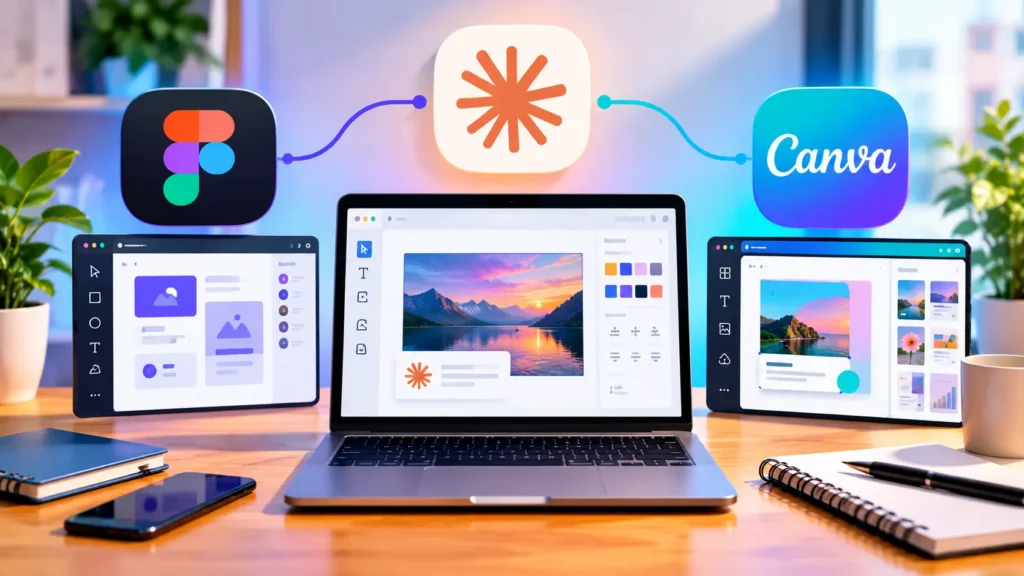
Anthropic frames Claude Design as a partner to existing tools, not a replacement and that framing holds up in practice. Figma stays stronger for component libraries and detailed layer control. Canva stays stronger for templates and finished marketing assets.
Claude Design wins on speed. It turns a thought into a reviewable draft in minutes, which makes early alignment far easier.
A smart workflow uses all three. Draft the concept in Claude Design, polish the layout in Canva or Figma and send build ready work to Claude Code.
Final Thoughts
If you still wonder what is Claude Design, think of it as a fast, brand aware sketchpad for visual ideas. It shines at first drafts, early decks, landing page concepts and handoff prep.
It can’t stand in for a full design workflow and it doesn’t pretend to. Create your design system first, write detailed prompts and check each result yourself. Do that and you’ll move from idea to something shareable far sooner.
FAQs
Is Claude Design the same as regular Claude chat?
No. Claude Design is a separate Anthropic Labs workspace at claude.ai/design, built for visual output. You get a live canvas, comments, sliders, brand systems and export options. Regular chat focuses on text so Design suits prototypes, decks and one pagers much better.
What are some Claude Design examples?
Common examples include a mobile onboarding flow, a finance dashboard, an investor pitch deck, a campaign landing page and a one page product summary. Each one begins as a draft. You improve it by using chat adding comments and adjusting sliders. Then you export it to PDF, PowerPoint or Canva.
How do I use Claude Design?
Open claude.ai/design, start a new project and add context like screenshots or a brand system. Describe your goal, layout, content and audience. Review the draft, refine it with chat or comments then export to PDF, PowerPoint, HTML, Canva or Claude Code.
How do I log in to Claude Design?
Visit claude.ai/design and sign in with your Claude account. You need a paid Pro, Max, Team or Enterprise plan because free accounts can’t access it. If the Design option is missing, check your plan first. Enterprise users may need an admin to enable it.