
Blocked websites, strict school filters and stubborn public WiFi rules has turn a simple search into a dead end. Lexi Browser promises a fast way around those walls but a promise on an app listing and a proven result are two different things.
The following is a breakdown of Lexi Browser. How it works, what it does, where the threats and dangers are and if you should even have it on your phone.
What Is Lexi Browser?
The app is a free Android download that markets itself as a lightweight, anti-block web browser. Its listings pair the name with the Indonesian phrase “anti blokir”. which means ‘anti-block,’ and mentions that the app is able to open sites that are blocked by an ISP or by a country.
In addition to a basic browser, the app contains a proxy server. Like a VPN, the proxy server sits between you and the blocked site. However, a proxy server is not encrypted like a VPN. That is why most people use a proxy server. It is easier and faster than a VPN. That’s why a lot of people want to know how to setup proxy server. You should also check out proxy list and proxy server definition to learn more.
How the Unblock Trick Works
Most network filters block a site by the address or domain name. A proxy sits between you and that site. So the filter sees traffic headed to the proxy instead of the blocked destination.
Proxy browsers differ from VPNs in one critical way. A VPN wraps all device traffic in an encrypted tunnel, while a proxy browser usually handles only what passes through its own tabs. Understanding secure internet connections can help you make safer browsing decisions. That gap shapes how much privacy you had realistically expected.
Standout Features Worth Knowing
This is the information the publisher provides (bogus claims are marked at the end).
- Integrated proxy server for opening filtered pages
- Lightweight design that suits older Android phones
- Free install with no subscription advertised
- Simple interface with minimal settings to learn
- Claimed faster streaming and downloads
- Claimed IP hiding and anonymous surfing
Treat the last two items with caution. Speed and anonymity depend entirely on the proxy servers behind the app and no public test results back either claim.
Speed and Performance Reality Check
Faster streaming and lighter browsing are publisher claims, but proxy routing always adds a middle step which results in a longer journey for every request. That can slow things down, especially with large downloads and/or pages with a lot of media.
Lightweight design may speed up things on older devices with less processing power and/or memory. Don’t expect it to boost things too much. If you don’t trust it with pages that take a while, test it with some of your less-frequented web destinations.
Hidden Risks You Should Weigh
A proxy sees every page your request. If the provider logs things, your browser history exists on a server you have no access to and can’t verify the legitimacy.
Same thing goes with the developers of the app. Without a long publishing history or transparency with the company, it’s unknown if and how carefully they handle your data and updates.
Third-party download sites make things worse. Several of them state openly, they never scan the files they link to. So nobody guarantees that an APK matches the original release.
Safe Install Steps on Android
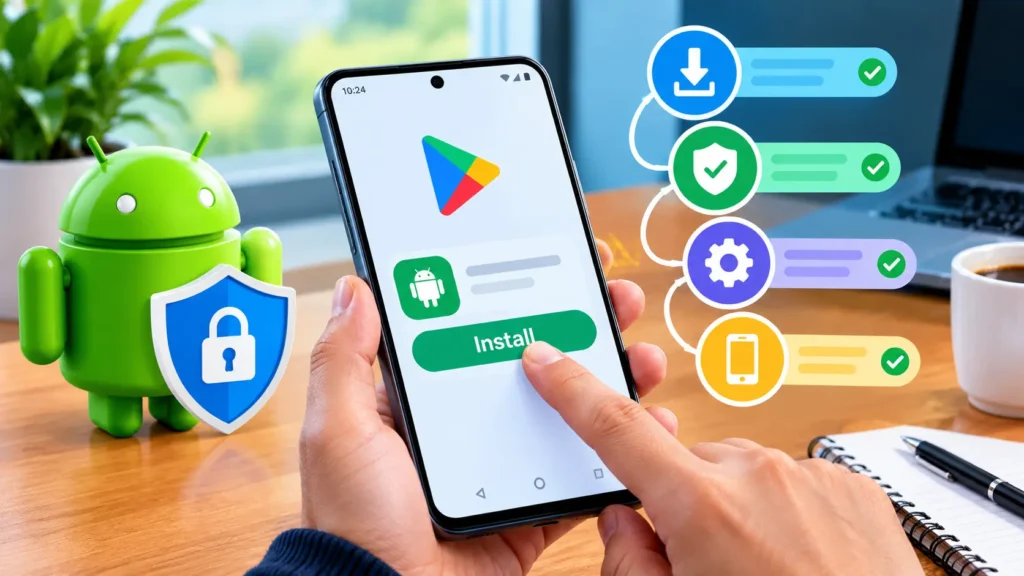
First, always use the official store. On Google Play, search for the app, check the name and package name of the publisher and then proceed to install. If the listing doesn’t appear and you see an APK link somewhere else, that’s a red flag. Before installing unfamiliar software, review these browser security risks and take steps to avoid potentially harmful downloads. For extra protection, follow Google’s official Google Play Protect safety guide to learn how Android checks apps for harmful behaviour and warns users about potential threats.
After that, check the permissions screen and if it asks for some weird permisions like contacts, SMS or call logs, deny the permissions and then uninstall the app.
Switch on Google Play Protect and run a full scan with the security software of your choice..
Permissions to Question Before You Tap Accept
A browser needs internet access and little else. Be wary of requests for your contacts, SMS messages, call logs or device administrator rights. None of those has a job in a simple browsing app.
Deny every optional permission. If the app refuses to run without access that makes no sense, uninstall it right away. Permission creep is a classic sign of data harvesting.
Browser vs VPN Showdown
Many users think that a proxy browser and VPN are the same but they actually solve different problems.
| Factor | Unblock Browser App | VPN App | Standard Browser |
| Setup effort | Install and open | Install, sign in, connect | None |
| Traffic coverage | Its own browser tabs | Whole device | Its own browser tabs |
| Encryption claims | Rarely verified | Usually documented | HTTPS only |
| Transparency | Often limited | Audited options exist | Mature public documentation |
| Cost | Free to install | Free tiers or paid plans | Free |
| Best for | Quick access to one blocked page | Privacy across every app | Everyday browsing |
A Proxy Browser is faster and easier to set up than a VPN but significantly less trustworthy.
Who Benefits Most
Lexi Browser fits casual users who want occasional access to a filtered news page or forum and accept the trade offs that come with a lightly vetted app. It does not suit anyone who handles banking, work email or private messages.
Travelers, students on restrictive networks and curious testers may find the convenience appealing. Each of them should still check local rules and network policies first.
Data Privacy Basics
Every free app earns money somehow. Ads, analytics and data sharing often fill that gap. So read the privacy policy before you accept the terms. Look for plain statements about what gets logged, how long it stays stored and who receives it. You can also learn how to protect your personal information online and reduce unnecessary data exposure.
Limit exposure by browsing without signing in, disabling autofill and avoiding downloads from unfamiliar pages. Small precautions like these shrink the data trail even when you cannot verify what happens on the server side.
Legal and Policy Limits
Fortunately, there are fewer laws concerning bypassing filters in the U.S. (as compared to other countries) but filter-bypass can lead to disciplinary actions at school or work and might lead to losing network access. On other controlled or restricted systems, more severe actions can occur.
Elsewhere, the laws and restrictions concerning bypassing filters are very strict and different from the US. It’s best to check the restrictions in a given country prior to traveling.
Safe Browsing Habits That Protect You Online
Don’t sign in to a sensitive account using a proxy browser. Everything you type could go to a server that you don’t control.
Clearing the app data after each use will help ensure the data is not saved and used for an extended period of time. Keeping the Android OS and apps updated will help ensure there are less vulnerabilities. Using a password manager for unique and strong passwords will help protect accounts in the event that data is compromised.
Last, don’t take a chance if you need the site for something important. Contact the network administrator for legitimate access.
Real World Example
Think of the college student again who needs a news site for her research paper and is on a campus network that blocks the site. She installs a proxy browser and opens the site to download the article and finish her research in a matter of minutes. .
That second step created the real danger. Proxy operators can potentially see session data. So one quick convenience may expose credentials. Using the app for reading only and nothing more, would have kept the risk small.
Signs of a Trustworthy App
Look for evidence when considering a new unblock tool. Slogans don’t mean much. Developers of trustworthy apps publish the name of their company, support contact and a privacy policy. The policy should explain what they log.
Read recent reviews and look for patterns. Are there a lot of ads? Does it crash? Does it make strange, unaccounted for changes to data? Does it make unwanted changes to your settings? Lack of details should make you hesitant to use the app.
Smarter Alternatives to Consider
There are better, more trustworthy options. Some trustworthy VPNs cover your whole device and publish their privacy policies. Some undergo audits. Secure DNS settings can also unblock some sites on Android without additional software.
Consider using a privacy browser. It may also protect your data and give you tracker blocking. It may not get you around all blocks but it is also far safer than an unverified proxy.
Quick Fixes for Common Lexi Browser Problems
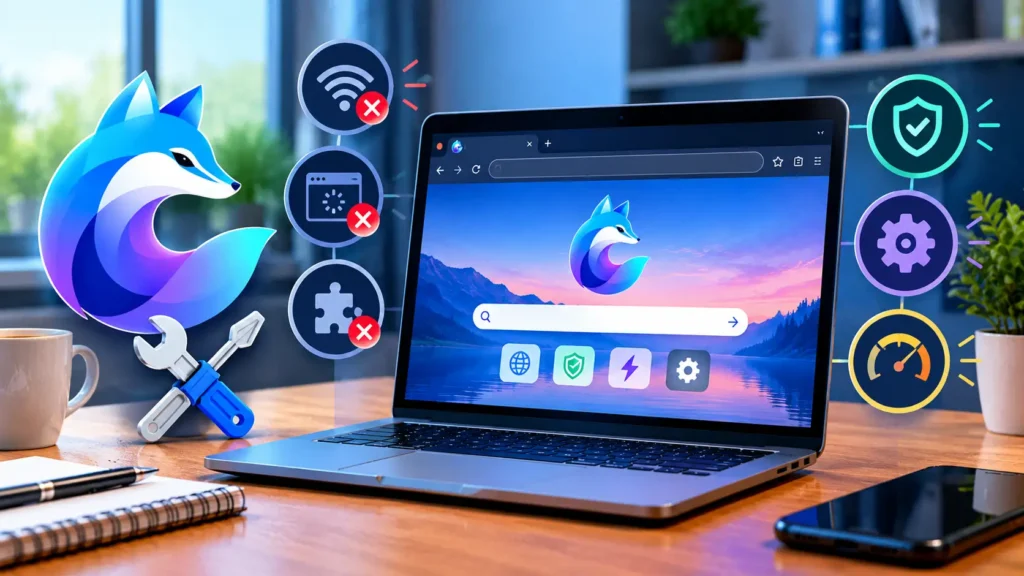
Try switching between your WiFi and mobile data. Because some networks block all proxy traffic. Clear the app’s cache and restart your phone.
If the app crashes or if nothing is working, you should try completely uninstalling it, rebooting your phone then reinstalling it from the official store.
Final Thoughts on Lexi Browser Download and APK Safety
Lexi Browser offers a simple, free route to filtered pages and that convenience is real. There are real benefits to using the service. There are equal real concerns about Lexi Browser as there is no independent verification to support any claims made by the publisher. Use the service at your own risk and only obtain it from an official source.
FAQs
Does it work on iPhone?
No. From the research conducted, Lexi Browser only supports Android. iPhone users should check the App Store for alternatives. Consider using a VPN service that has audited its process and has a published privacy policy. It’s likely to be more expensive than Lexi Browser but it will generally be safer.
Is it really free?
Yes the app installs for free on Android. The publisher advertises no paid tier. Free apps are not without cost. The user should examine the privacy policy and the type of permissions requested. The users should be cautious about any data collection that may occur.
Where can I download the Lexi browser?
Lexi is available through the Chrome Web Store as a browser extension, not a standalone browser. Its store listing is titled “LEXI – Your AI, Your Workflow, Your Control.” It lets users chat with, write about and summarize webpages using AI models. To get it, open the Chrome Web Store on desktop, search “LEXI,” and click Add to Chrome. Always download from the official store listing rather than third-party sites.
Is there a Lexi browser APK for Android and is it safe?
I couldn’t verify an official Lexi APK from the developer. Third-party APK sites often host modified or outdated files which can carry malware or excessive permissions. Before installing anything, check that:
- It comes from the developer’s official site or the Google Play Store.
- Its permissions match what the app actually does.
- You scan the file with an antivirus tool first.
If you only need Lexi’s AI features, the Chrome extension is the safer route.